
Client uploads, straight into Frame.io
Point a request link at a Frame.io folder. Clients upload into your own bucket as usual, and Frame.io fetches each file from there into your folder, ready for your editors to review. Nobody downloads and re-uploads anything.
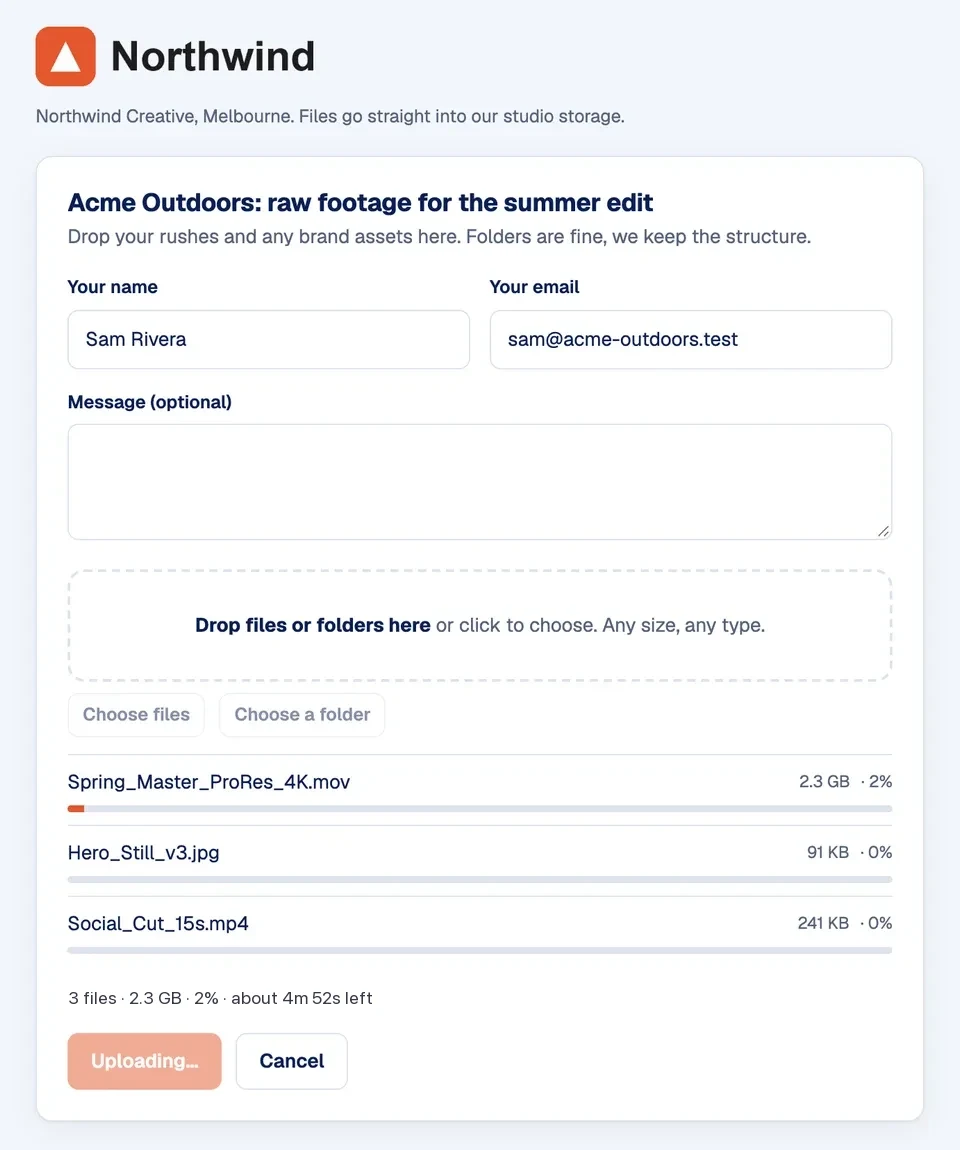
Your client uploads to your request link
The same branded request page as always. No account, no app, any size. Files go straight from their browser into your bucket.
Frame.io fetches the files from your bucket
When they finish, Dropbucket tells Frame.io where each file is. Frame.io pulls it straight from your bucket using a private, time-limited link. The files never pass through our servers, and the originals stay in your storage.
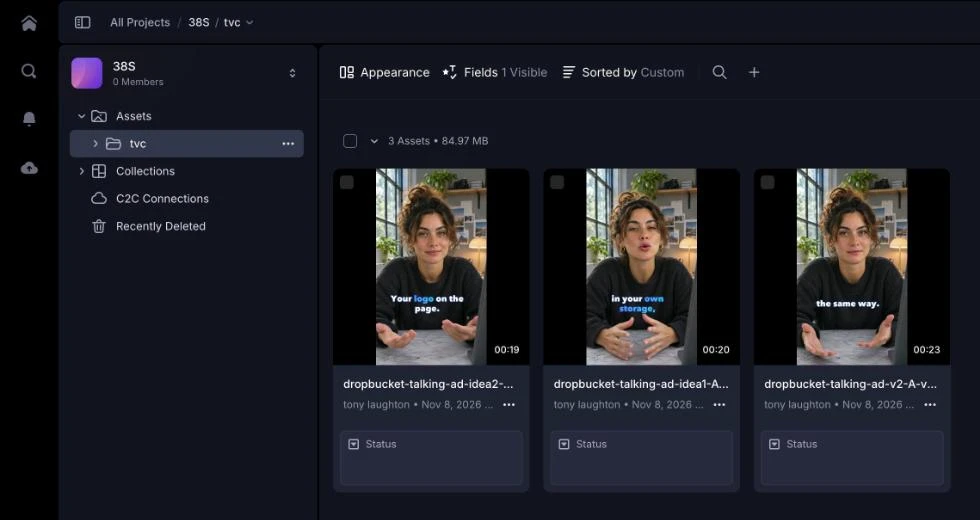
They're in your Frame.io folder, ready to review
Frame.io makes its previews as usual, so your team can start commenting straight away. Your "files received" email says what was sent to Frame.io, with a link to the folder.
Four steps, once
- Link Frame.io to your Adobe ID. Frame.io only works with outside apps when you sign in to it with Adobe. In Frame.io, click your avatar, open your profile (not the account settings), then Authentication → Connect. Your Frame.io email has to match your Adobe email. No Connect button? Turn off Google sign-in there first.
- Connect Frame.io in Dropbucket. Settings → Integrations → Connect Frame.io, then sign in with Adobe. The workspace owner does this once, and the whole team can use it.
- Copy a folder's address. In Frame.io, open the folder you want files in and copy the address from your browser's address bar (it starts with next.frame.io/project/). Share links (f.io/…) point to a share, not the folder.
- Paste it on a request link. When anyone on your team creates a request link, they paste the address into "Also send to Frame.io". The link shows a Frame.io tag so you know where uploads will go.
Good to know
- Frame.io keeps its own copy, which counts toward your Frame.io storage. The original stays in your bucket.
- Files over 500 GB, or more than 500 files in one upload, stay in your bucket only. The email lists them.
- The owner connects Frame.io once; everyone on the team can then point links at it. The owner can switch that off to keep it to themselves.
- Anything uploaded through the link lands in that folder, where anyone with access to it can see it.
Frame.io is a trademark of Adobe. Dropbucket isn't affiliated with or endorsed by Adobe. Questions? support@dropbucket.io
Send your next delivery from your own bucket
Connect storage in about five minutes. Your first branded link is free.
No card neededWorks with iDrive e2, R2, B2, Wasabi, S3 and more